.png?width=500&height=131&name=horiz-onwhite-noslogan%20(1).png)
Reset password from the lock PIN login page
A User’s EVA account password can be reset through the lock PIN login page.
- Open the EVA Device.
- Tap "Get Started".
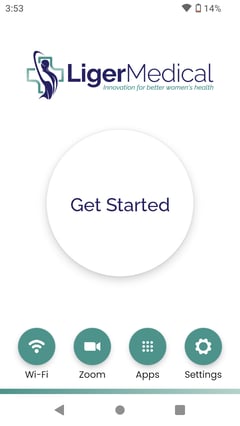
- The "Welcome to the EVA System" screen appears.
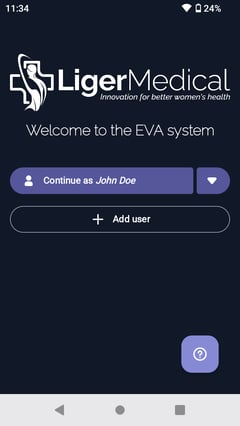
- If the displayed user is yours, tap on the user name. An "Reset PIN / Login With Password" pop-up message appears.
- Tap on Reset PIN / Login With Password
-
Sign In screen appears, tap Reset Password.
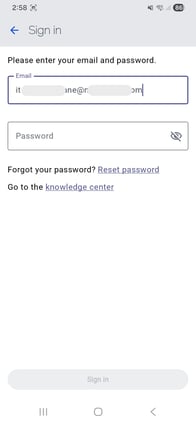
- Enter your email associated with your EVA user Account and tap Next
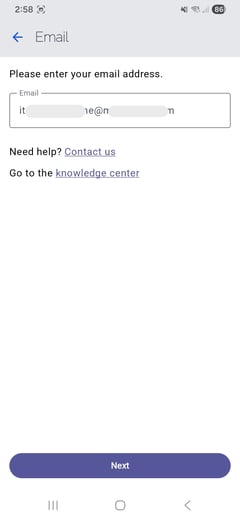
- The "Enter verification code" page appears
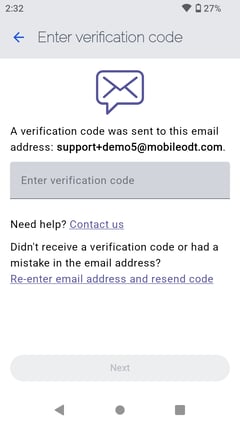
- A temporary password was sent to the email associated with your EVA user account.
- In your mailbox open 'Reset Password' email. Your temporary password will be found there.
.jpeg?width=491&height=189&name=rtaImage%20(13).jpeg)
- Enter the temporary password sent to your email in the Verification Code field, then tap Next.
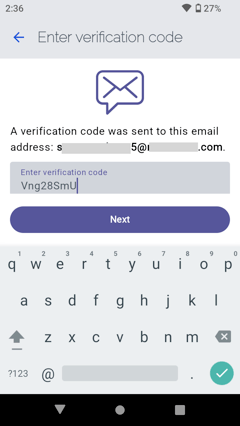
- The "Create a Password" screen appears.
Password must have at least: 8 characters, 1 letter, 1 capital letter, 1 number, 1 special character.
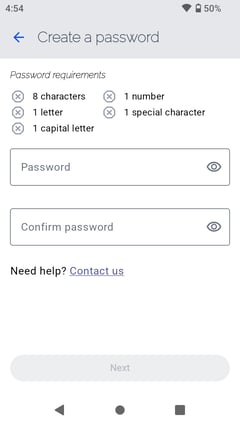
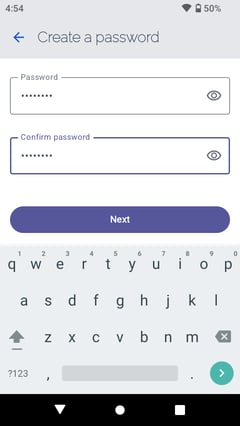
- Enter a password and confirm it, then tap "Next".
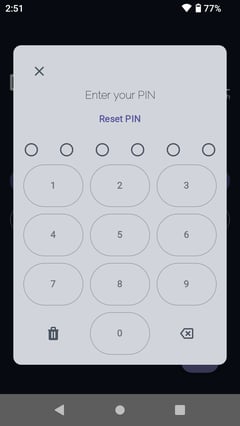
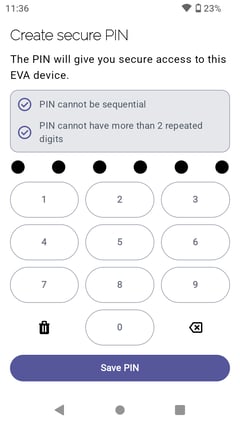
- Create 6 digit secure PIN. The PIN will give you secure access to this particular EVA device. tap on ‘Save PIN’.
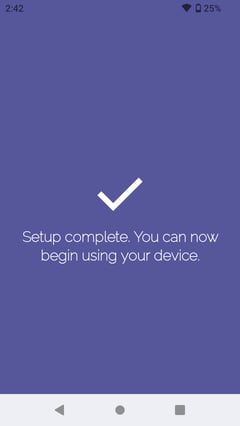
- Setup up complete.