.png?width=500&height=131&name=horiz-onwhite-noslogan%20(1).png)
EVA SafeView users can use a Bluetooth foot pedal for hands-free image and video capture. Follow the steps below to prepare and connect the foot pedal to the EVA SafeView device.
Foot Pedal setup
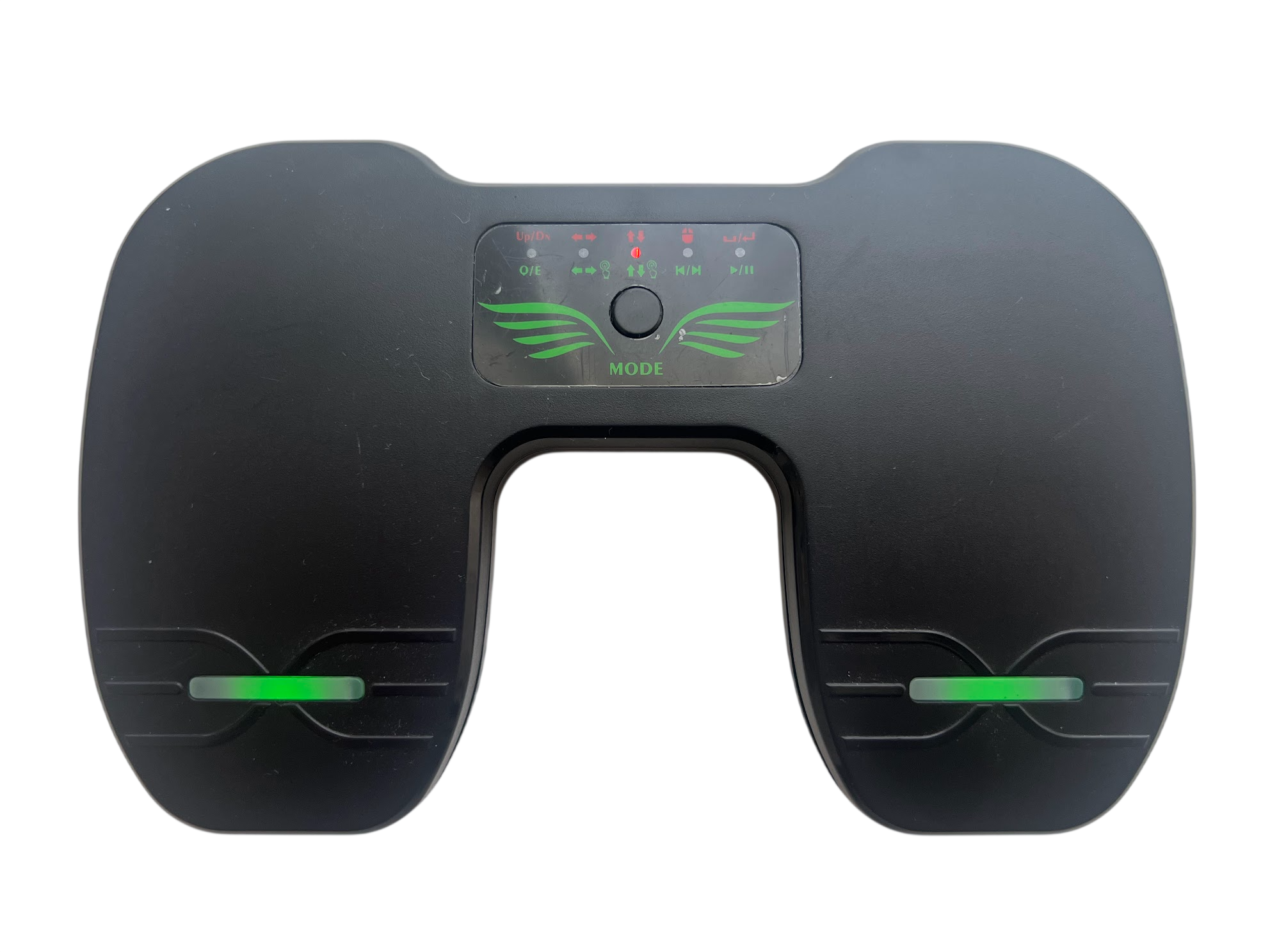
- Turn on the foot pedal: Long-press the MODE button to turn on the foot pedal.
- Select the Up/Down mode: Short-press the MODE button to switch between working modes until the Up/Down mode is selected. The middle red mode light should be on.
- Foot Pedal charging:
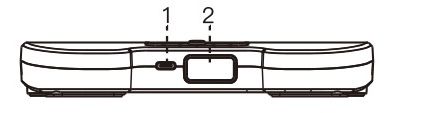
- Charging: Connect the device to a computer or power adapter using a USB cable to charge the battery.
- Power and Logo Light: Indicates the power and charging status:
- Low battery: Red light flashes.
- Charging: Red light stays on.
- Fully charged / normal power: Green light stays on.
Foot Pedal pairing
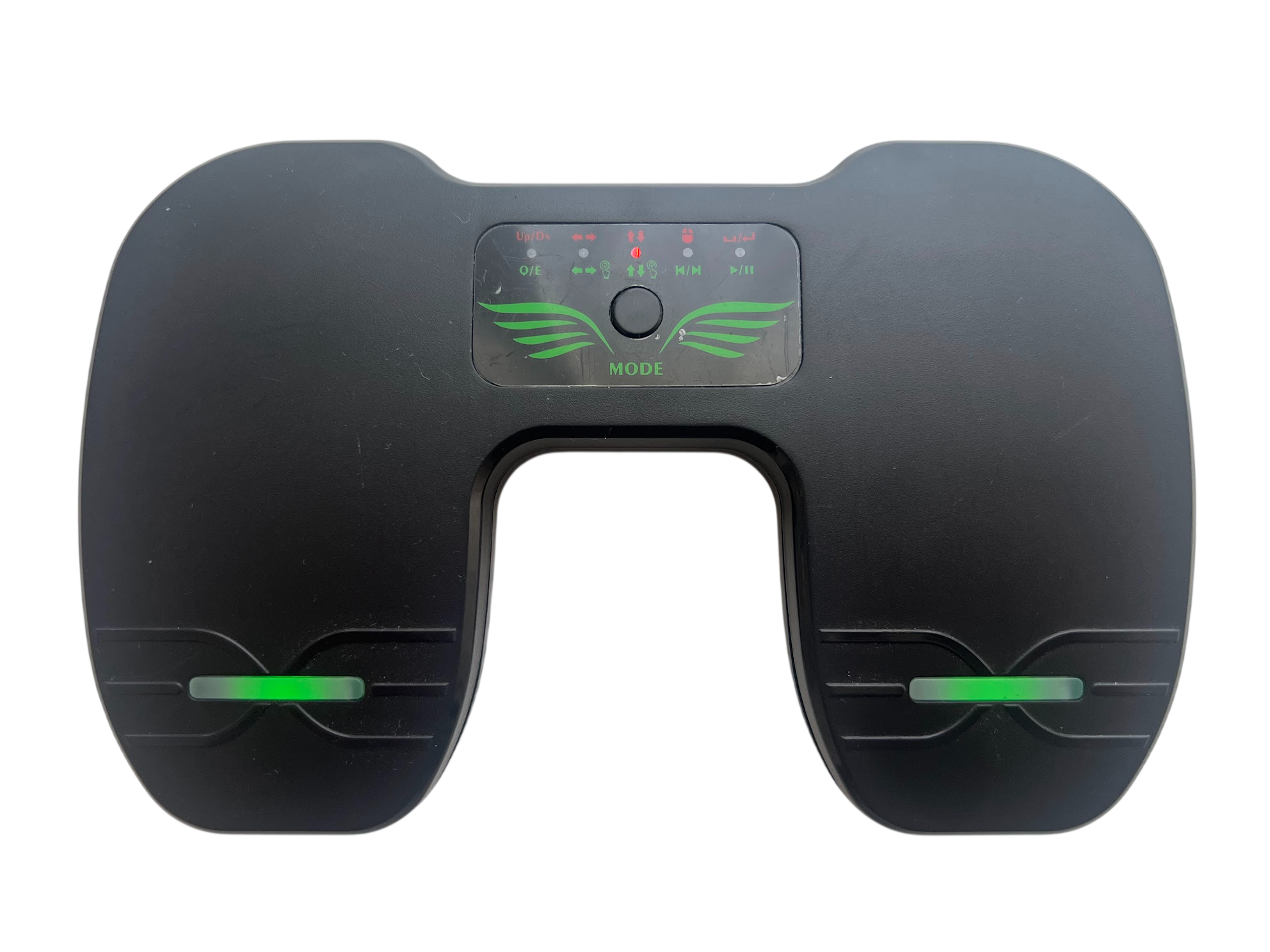
- Turn on the foot pedal.
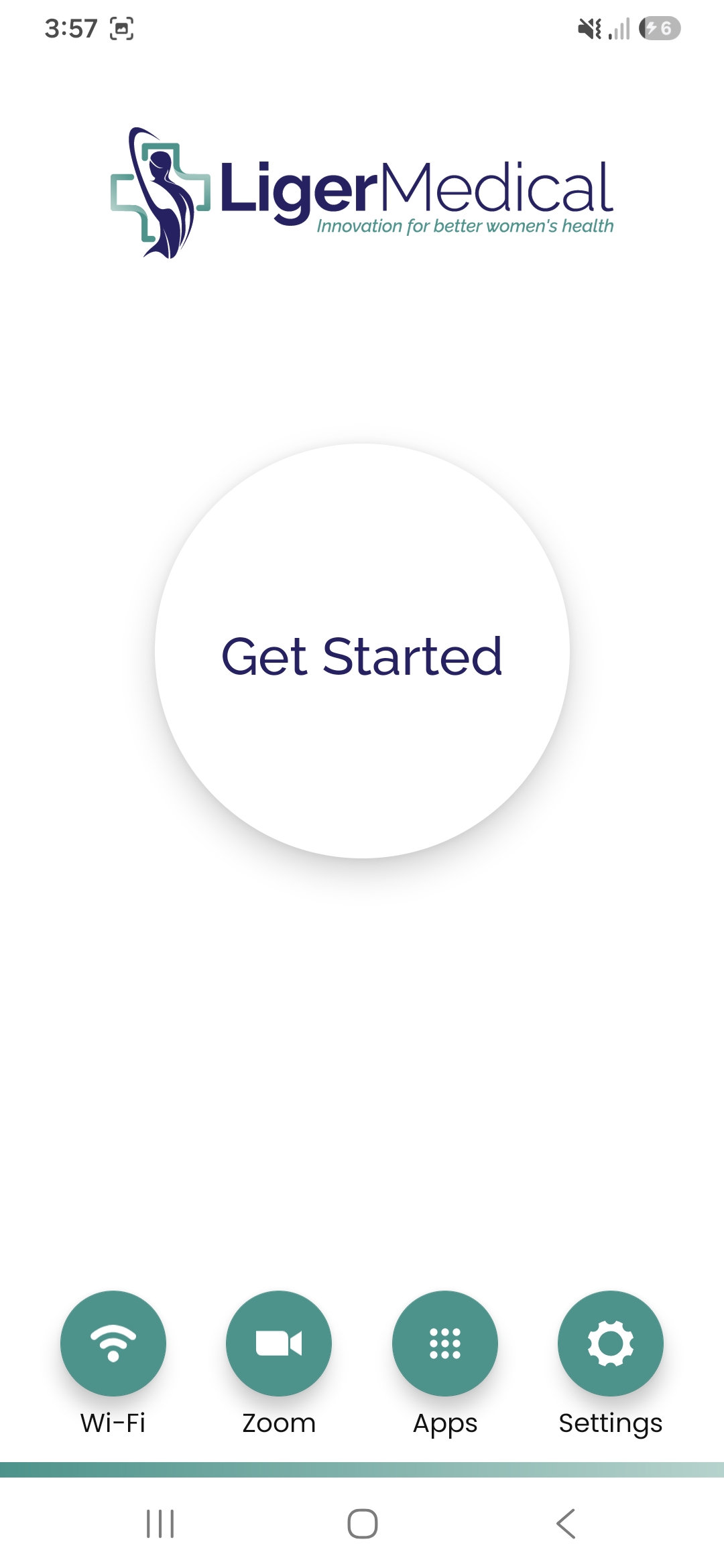
- Turn on the EVA SafeView device.
- Tap Settings.
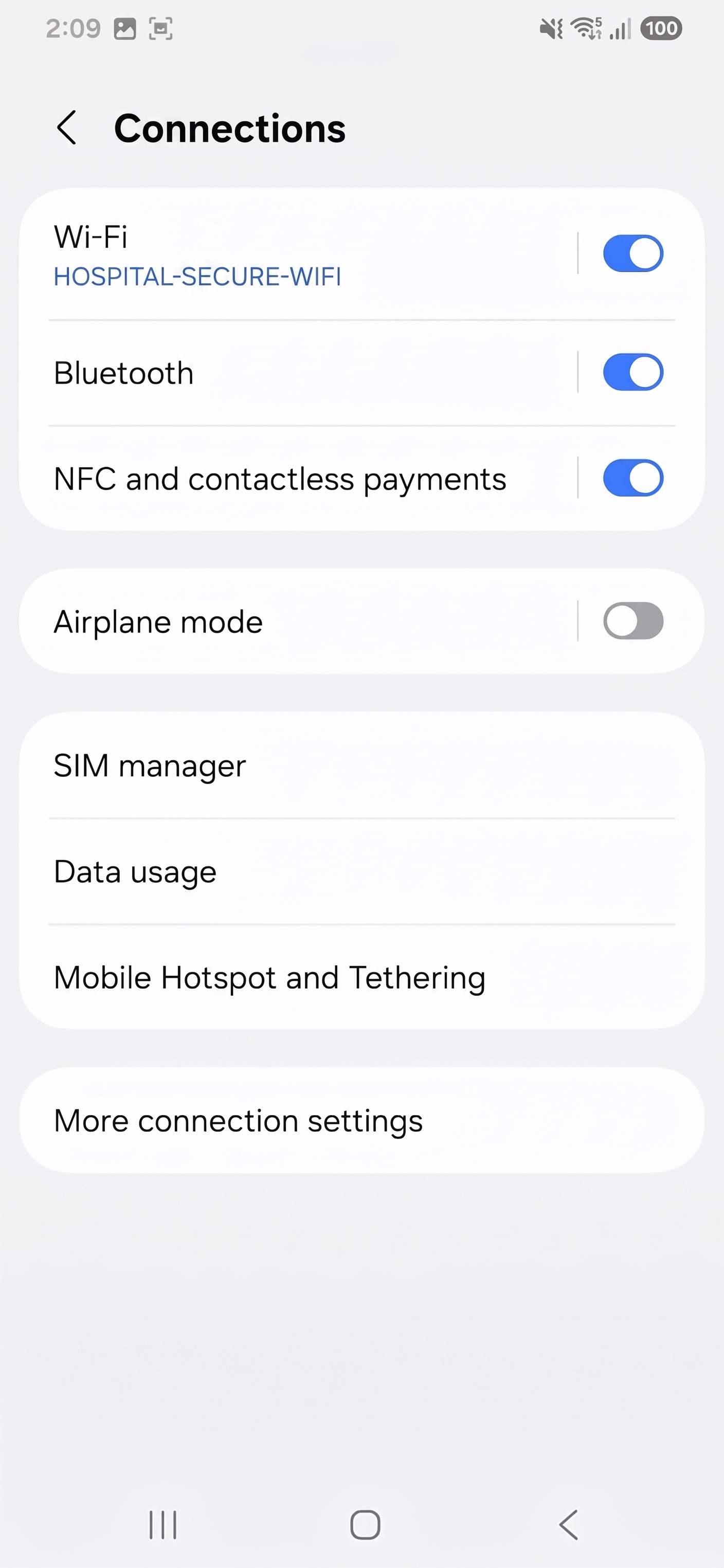
- Tap Connections.
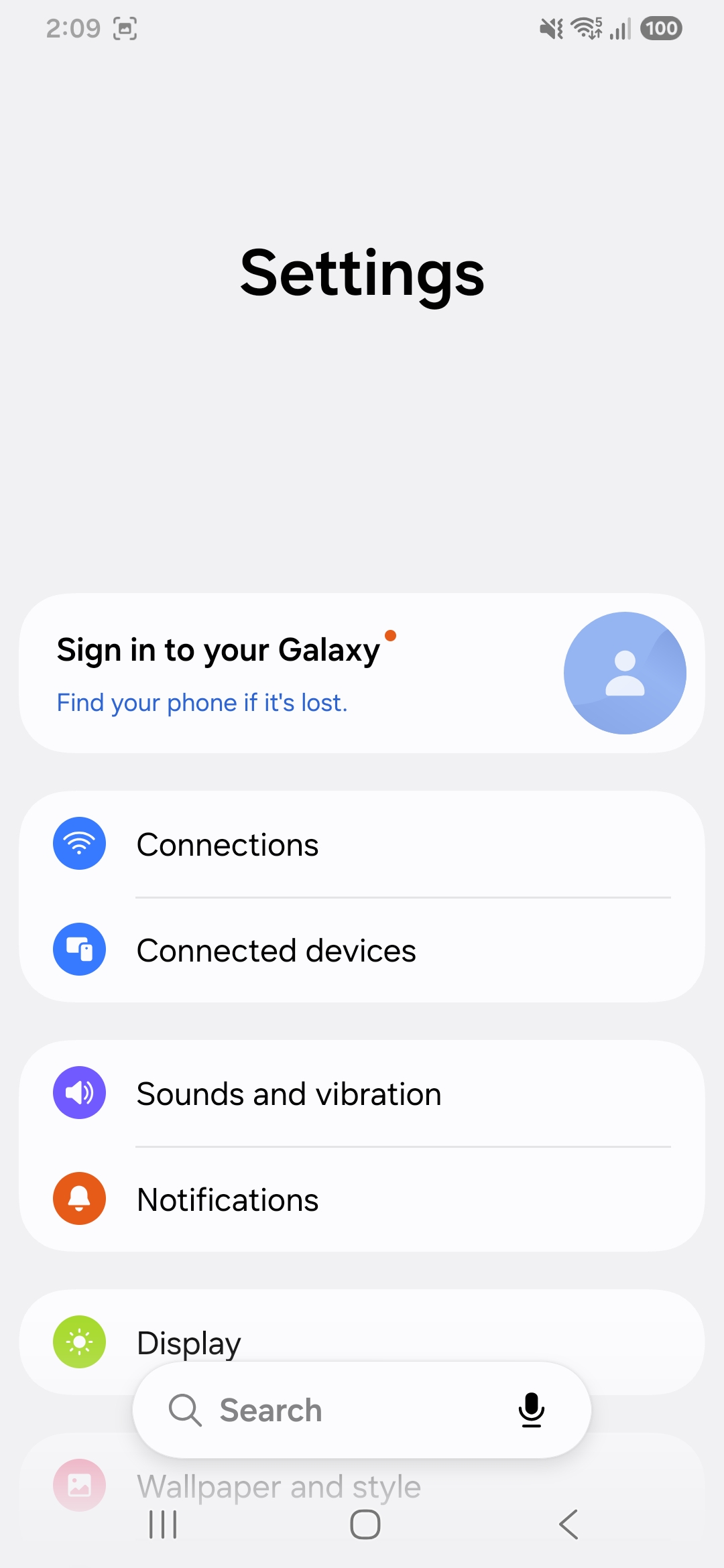
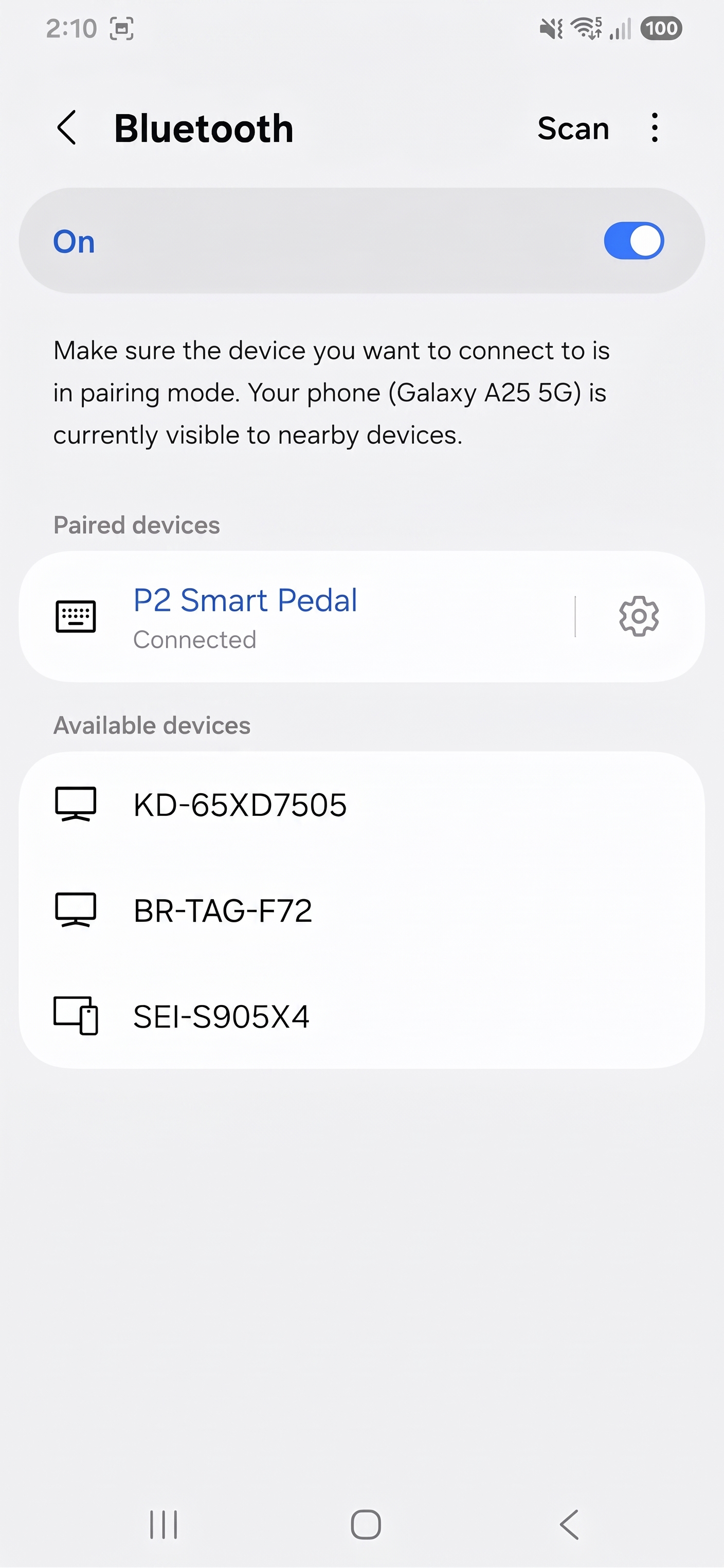
- Make sure the Bluetooth toggle is turned on, then tap Bluetooth.
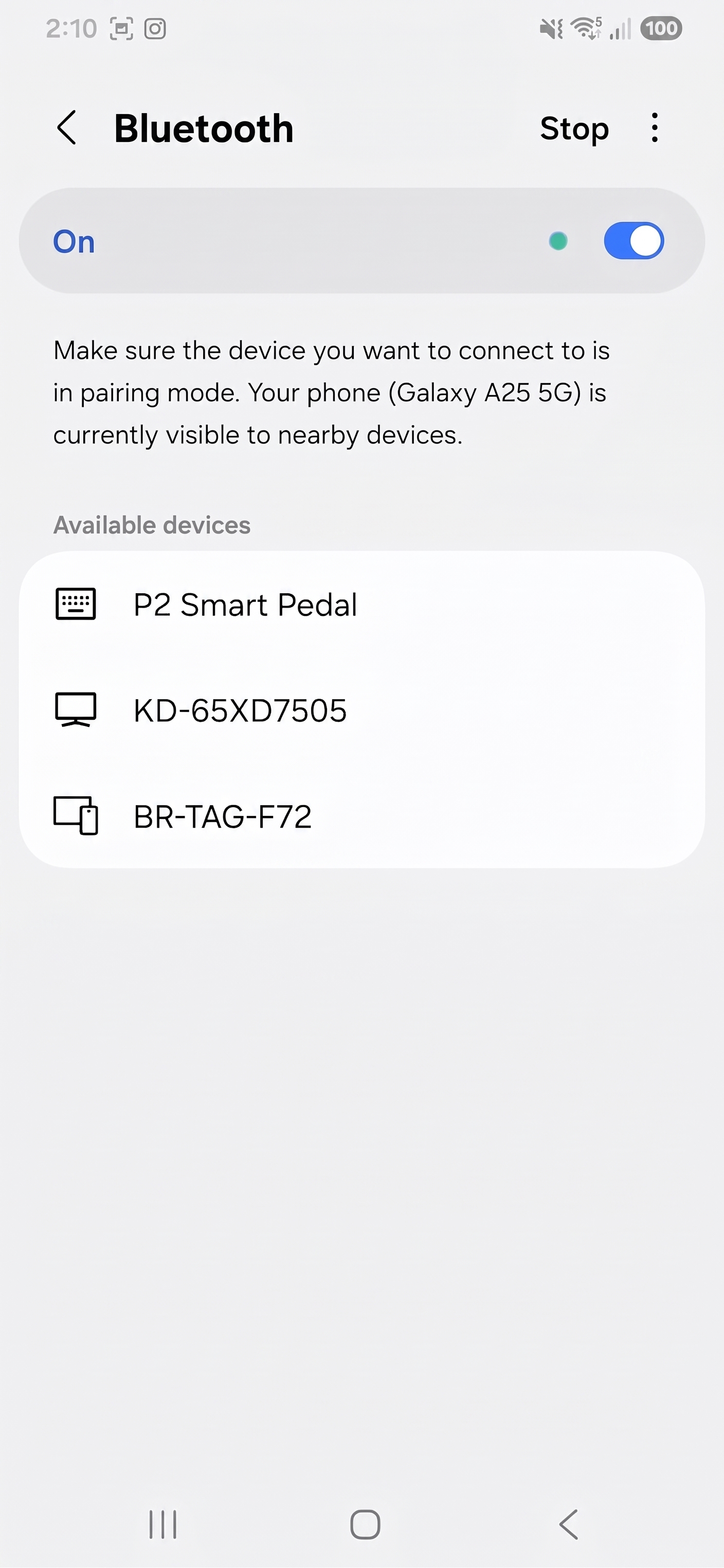
- Tap P2 Smart Pedal.
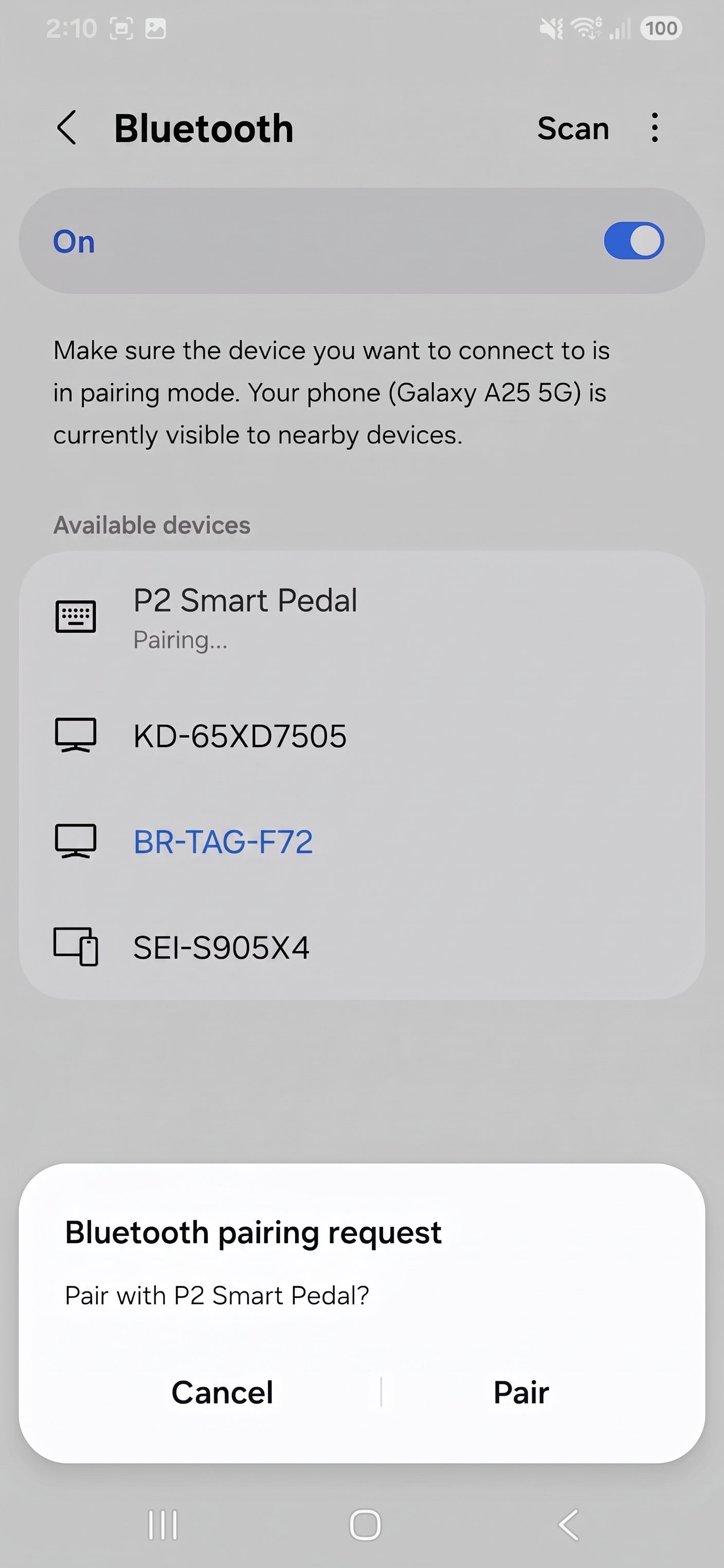
- Tap Pair.
- Under Paired devices, confirm that P2 Smart Pedal appears as Connected.
- Tap the Home button to return to the EVA App home page.