.png?width=500&height=131&name=horiz-onwhite-noslogan%20(1).png)
Please find step by step guide on how to get your EVA SafeView connected to the WiFi.
-
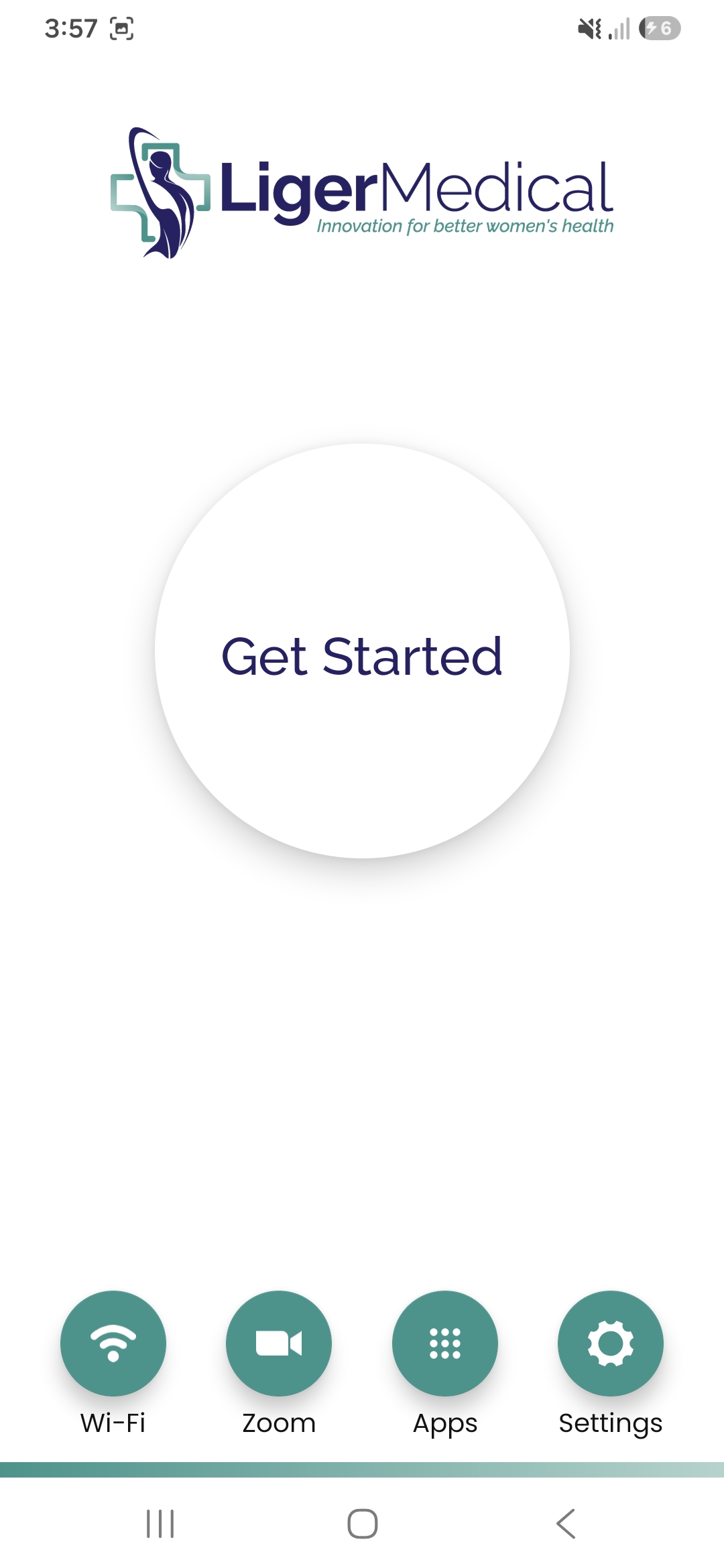
Open your EVA SafeView device.
-
Tap the Wi-Fi icon in the bottom-left corner.
-
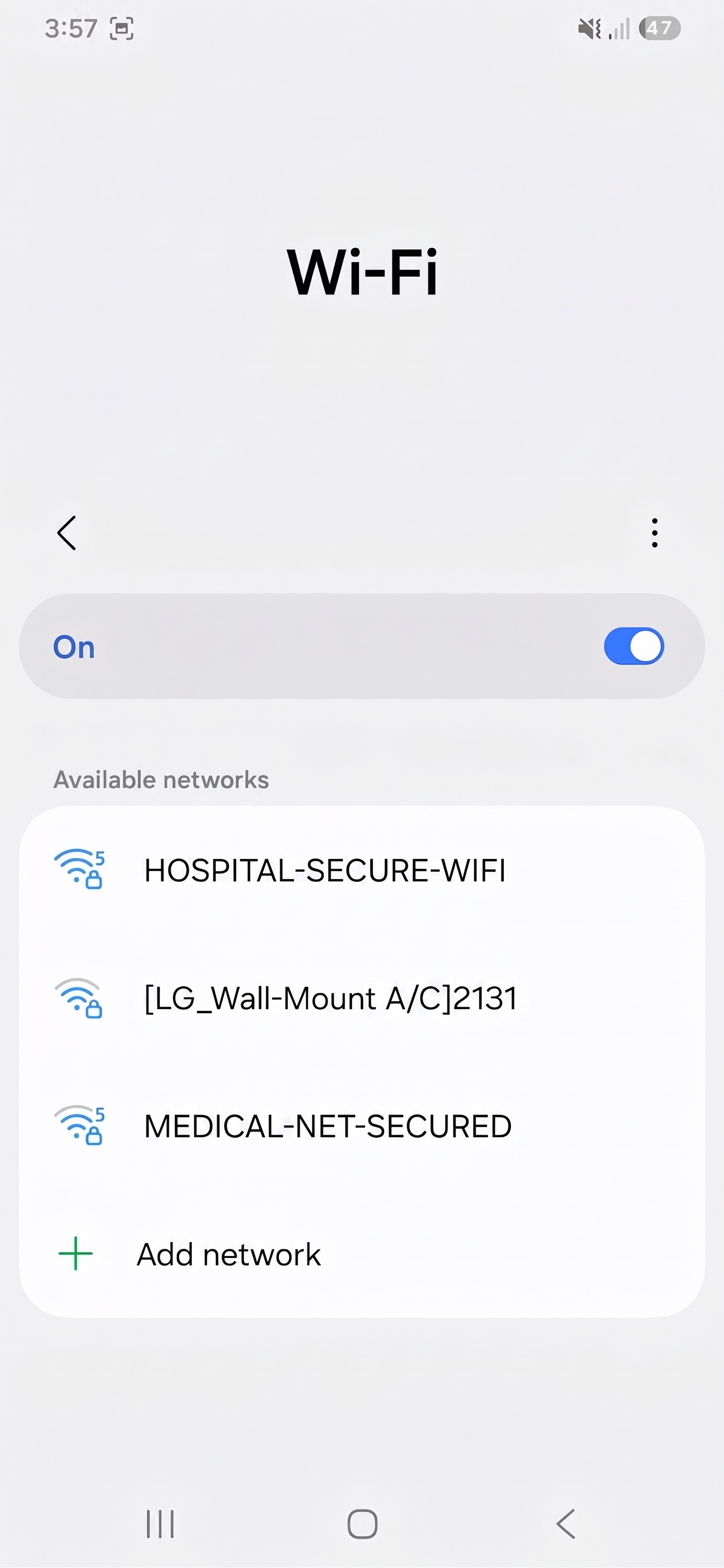
Make sure that the Wi-Fi toggle is On.
-
Select the desired Wi-Fi network from the list.
-
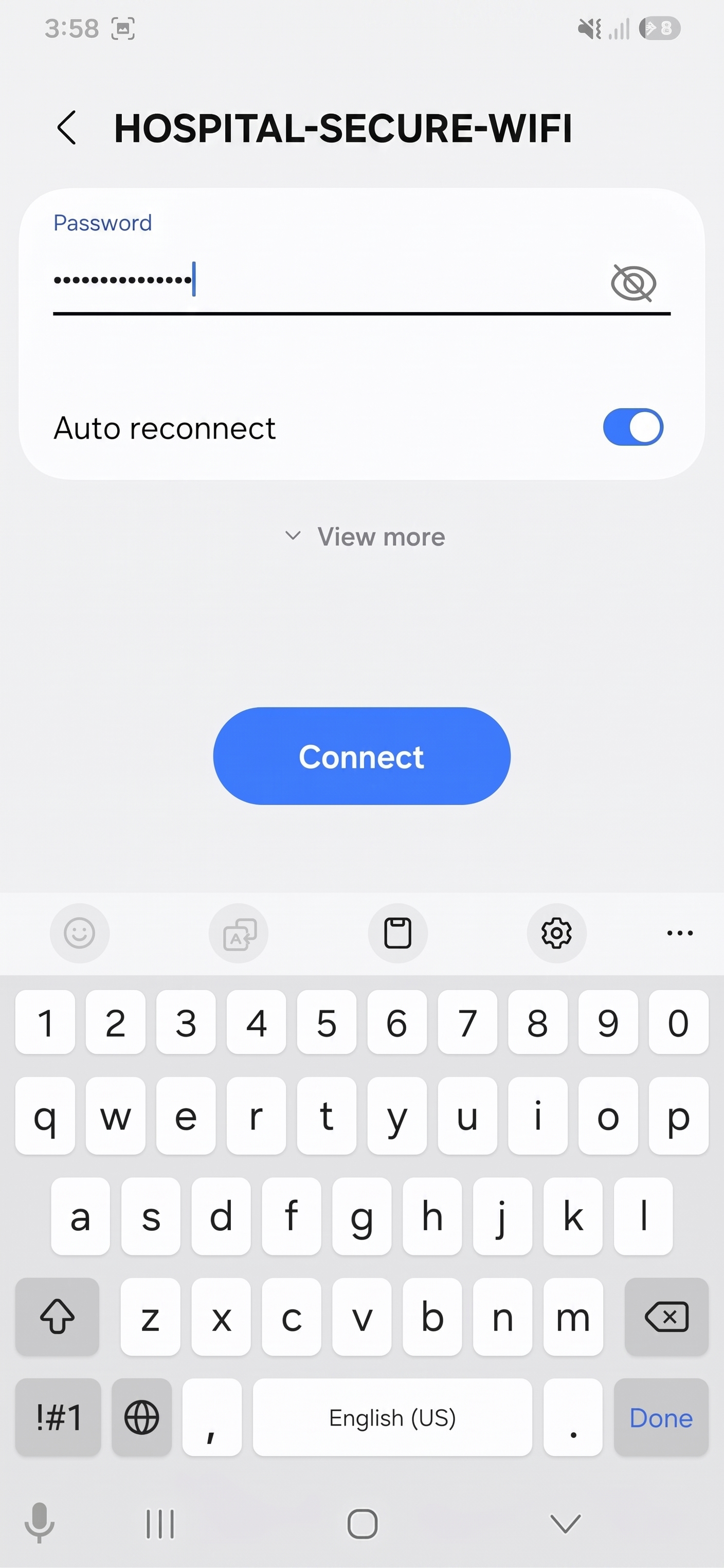
Enter the password for the Wi-Fi network. Tap CONNECT.
-
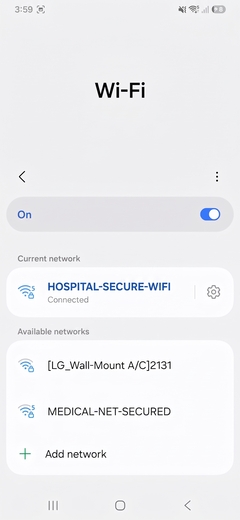
Once Wi-Fi is connected successfully, with internet connection, "Connected" appears under the Wi-Fi name.
- Tap on the Home button to return to the EVA App home page.