.png?width=500&height=131&name=horiz-onwhite-noslogan%20(1).png)
Please find step by step guide on how to update the EVA App on the EVA SafeView device.
Note: The EVA App is updated automatically during device startup. You can verify your installed App version by navigating to “About” in the App.
If your device wasn't updated automatically, or if it is a newly delivered device, it is recommended to update manually to ensure you have the latest features and improvements.
Update EVA App from the Liger MDM App:
If the link within the app is not displayed, or if the update is intended for specific devices, the EVA SafeView device can be updated directly through the Liger MDM.
- Turn on the EVA device and go to the Home screen.
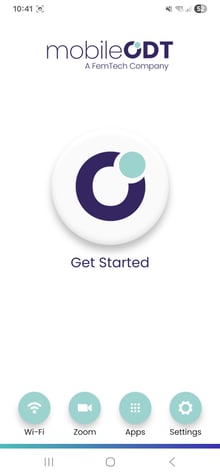
- Tap on Apps, then select the Liger MDM App.
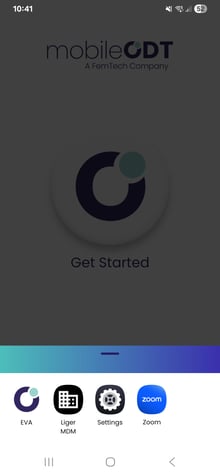
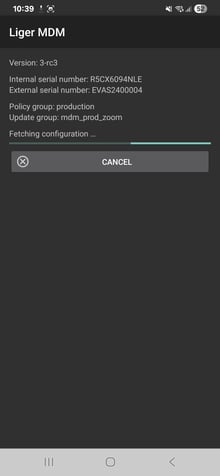
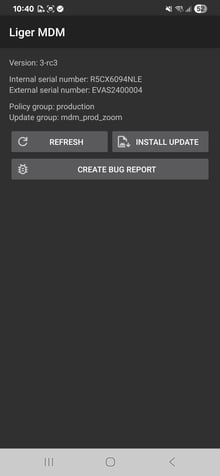
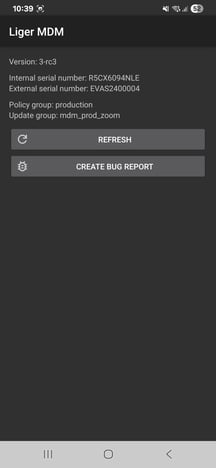
- Tap REFRESH to check for a new version of the EVA App.
- Once the new version is downloaded, tap INSTALL UPDATE, if requested, to complete the process.